
Do I Need to Know Coding to Use AI Tools? (2026 Guide)
No, you do not need to know coding to use AI tools. Most everyday AI tools — chatbots like ChatGPT and Claude, image generators, writing assistants and no-code automation apps — are designed to be used in plain English. If you can write an email, you can use them. Coding only becomes useful later, if you want to build your own AI software or connect tools in ways no-code apps cannot handle.
Why Coding Feels Like a Barrier (But Isn’t One Anymore)
For years, “artificial intelligence” sounded like something only programmers touched — and for a long time, that was mostly accurate. Using AI really did mean writing Python, wrangling data and training models.
That changed with modern chatbots and no-code tools. Today’s AI tools are built around conversation, not code. You type a request in the language you already speak, the tool responds, and you react to that response. There is nothing to install, no command line to navigate and no code to write. The barrier that kept most people out of AI has quietly disappeared — but plenty of beginners still don’t know it.
Using AI vs Building AI: Two Very Different Jobs
The confusion comes from lumping two different activities together: using AI tools and building AI systems. They need completely different skills — like driving a car versus designing an engine.
Here’s the split that makes it click:
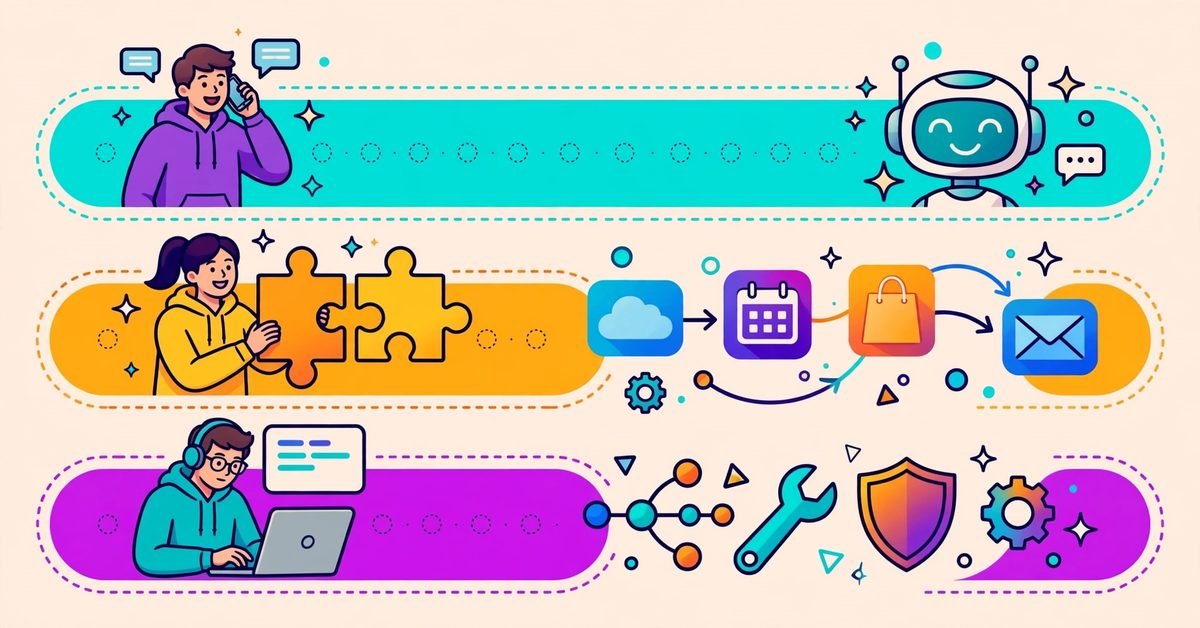
- Use AI tools — chat with an assistant, generate images, draft emails, summarise documents, automate a repetitive task with a visual workflow builder. No coding needed, ever.
- Build with no-code AI — connect tools together in Zapier, Make or Microsoft Power Automate so they pass work to each other automatically. Still no coding, just logic: if this happens, do that.
- Build AI software — write your own app, call a model API directly, train or fine-tune a model, run things at scale. This is where coding genuinely matters.
Most people — including most small business owners, marketers, teachers, freelancers and office workers — only ever need the first two lanes. The third lane is a career path, not an entrance exam. You can get real, daily value from AI tools without ever writing a single line of code.
The One Skill That Replaces Coding: Clear Prompts
If coding isn’t the skill, what is? It’s learning to ask clear questions — usually called prompting. A prompt is simply the instruction or question you give an AI tool, and getting better at it is the real learning curve. It’s a communication skill, not a technical one.
The difference between a vague prompt and a good one is dramatic:
| Vague prompt | Clear prompt |
|---|---|
| “Write something about our sale.” | “Write a 3-sentence email announcing our 20% off weekend sale to existing customers, friendly tone, include the code WEEKEND20.” |
| “Summarise this.” | “Summarise this 10-page report in 5 bullet points for a busy manager, focusing on costs and deadlines.” |
| “Make a plan.” | “Make a 4-week social media plan for a small bakery, 3 posts a week, with one idea per post.” |
Notice what the clear versions add: audience, length, tone and purpose. That’s it — no syntax, no brackets, no jargon. Give the tool context, say what good looks like, and check the result before you use it.
No-Code AI Tools You Can Start With Today
You don’t need a toolkit of twenty apps. Start with one chat assistant and one tool matched to a task you already do every day:
| What you want to do | Start here | Why it works without coding |
|---|---|---|
| Write, summarise, brainstorm | ChatGPT, Claude or Google Gemini | Plain-English chat; free tiers cover most everyday use |
| Design and images | Canva Magic Studio | Describe the image or layout you want in words |
| Automate repetitive work | Zapier or Make | Drag-and-drop workflows: “when X happens, do Y” |
| Build a simple app or form | Microsoft Power Platform AI Builder | Visual builder with AI features built in |
| Turn ideas into slides | Gamma | Paste an outline, get a finished deck |
 A practical tip: pick one real task you already have today — a weekly report, a batch of customer replies, a social post — and do it with one of these tools instead of the old way. Learning AI through a real task beats studying it in the abstract. Free tiers on the major tools are genuinely useful starting points, though features and limits change, so check each provider’s current pricing page before committing to a paid plan.
When Coding Actually Helps (The Honest Boundary)
Coding becomes useful — not mandatory — in a few specific situations:
- Custom software: you want to build your own AI-powered app rather than use someone else’s.
- Direct API access: you want to call a model like GPT or Claude from your own system instead of through a chat window.
- Scale and control: you need to process thousands of items with predictable rules, tests and error handling that no-code tools can’t express reliably.
- Training models: you want to train or fine-tune a model on your own data as an engineering discipline.
Even here, there’s a middle ground. Basic spreadsheet formulas, structured data and an understanding of how APIs work can make no-code tools far more powerful without turning you into a full-time programmer. And if you do decide to learn coding later, Python is the usual starting point — but it’s a step you take because your work demands it, not a ticket you buy before you’re allowed in.
A Simple 7-Day Plan to Use AI Tools Without Coding
Here’s a week that works for complete beginners:
- Day 1: Open a free chat assistant (ChatGPT, Claude or Gemini) and ask it to explain something you already know well. Judge the answer — that’s your verification practice.
- Day 2: Use it on one real work task: draft an email, summarise a document or brainstorm ten ideas. Edit the result before using it.
- Day 3: Practise prompting: take one vague request and rewrite it with audience, length and tone added. Compare the results.
- Day 4: Try one image or design tool — generate a social post graphic or a simple presentation.
- Day 5: Automate one small thing: a Zapier or Make workflow that saves email attachments to a folder, or a reminder that posts to your team chat.
- Day 6: Learn the basics of AI literacy — what hallucinations are, why verification matters, and what data you shouldn’t share.
- Day 7: Pick your one favourite use and repeat it all week. Consistency beats collecting tools.
By the end of the week you won’t be an AI engineer — and you won’t need to be. You’ll be an AI operator: someone who gets real work done with tools that speak your language. If you later want to go deeper, Microsoft’s AI-900 Azure AI Fundamentals course teaches the concepts without a developer background. But the first step needs no course — just one chat window and one real task.
No, you do not need to know coding to use AI tools like ChatGPT, Claude or Google Gemini. These tools are designed around plain-English conversation: you type a question or instruction and the tool responds. Coding only becomes relevant if you want to build your own AI-powered software, which is a separate, more advanced path.
Yes, you can learn AI without coding and still find work, especially in roles that use AI rather than build it. Employers increasingly value AI operators — marketers, analysts, support staff and managers who use AI tools well. Coding matters most for AI engineering and data-science roles, while many business and creative roles reward prompting, verification and workflow skills instead.
The best AI tool for beginners who cannot code is a chat assistant such as ChatGPT, Claude or Google Gemini, because it needs nothing more than plain English. Start with one of them on a real daily task, then add a no-code automation tool like Zapier or Make once you want tools to work together automatically.
No, you do not need to learn Python before learning AI if your goal is to use AI tools. Python becomes useful only when you want to build custom AI software, call model APIs directly or train models. Start with AI literacy and prompting instead, and learn Python later only if your work actually demands it.
Most people can use AI tools without coding within a few hours, because the main skill is writing clear prompts in plain English. A focused week of daily practice — one real task a day — is usually enough to feel confident. Deeper skills like no-code automation take a few more weeks, but they still require no programming.
Conclusion
You don’t need to know coding to use AI tools — you need to be an operator, not a developer. Pick one chat assistant, practise asking clear, specific questions, verify important answers, and automate one small task with a no-code tool. Coding is leverage for later, if your work ever demands it. It was never the entrance fee.